
Leave And Work From Home Requests Handled In One Flow
Employees apply, managers approve, and balances update automatically, with no forms, no emails, and no manual tracking
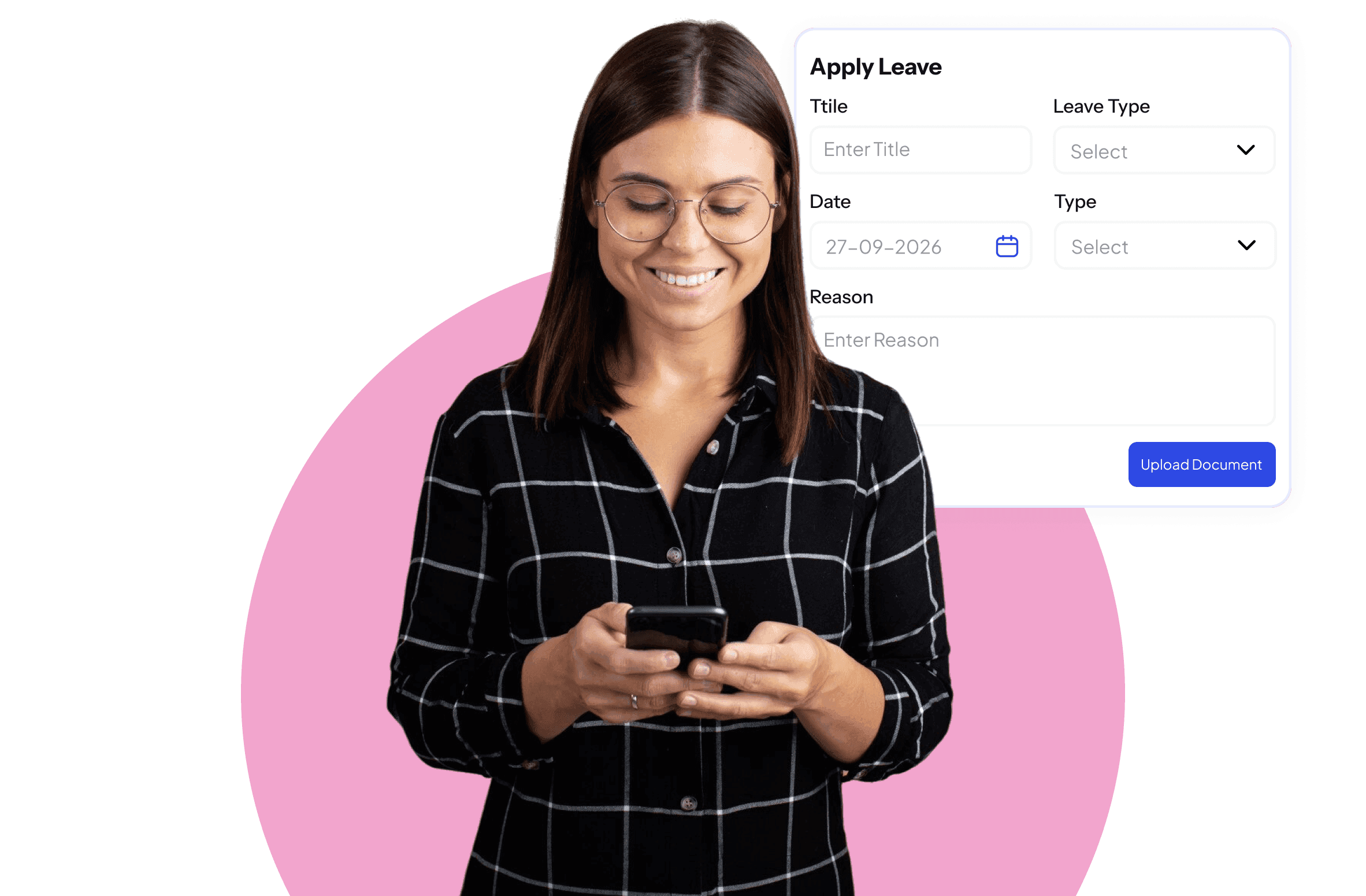
Leave Management Without The Back And Forth

One-Tap Applications
Employees apply for leave or WFH directly from the SuperManage app in seconds.

Instant Manager Approval
Managers receive requests immediately and can approve or reject with a single action.

Automatic Balance Updates
Leave balances update the moment a request is approved, with no manual calculation required.
Every Leave Request Tracked And Processed Without Chasing Anyone.
Leave management becomes a recurring problem when it relies on email chains and shared spreadsheets. Requests get missed, balances get calculated incorrectly, and employees are left uncertain about their available days. SuperManage removes all of this friction with a structured digital workflow that handles applications, approvals, and balance tracking in one place.
WFH requests follow the same clean flow. Employees submit their request, managers approve it, and the system logs it against attendance without any separate action from HR. Whether the business has a flexible WFH policy or strict guidelines, the system adapts to the rules configured.
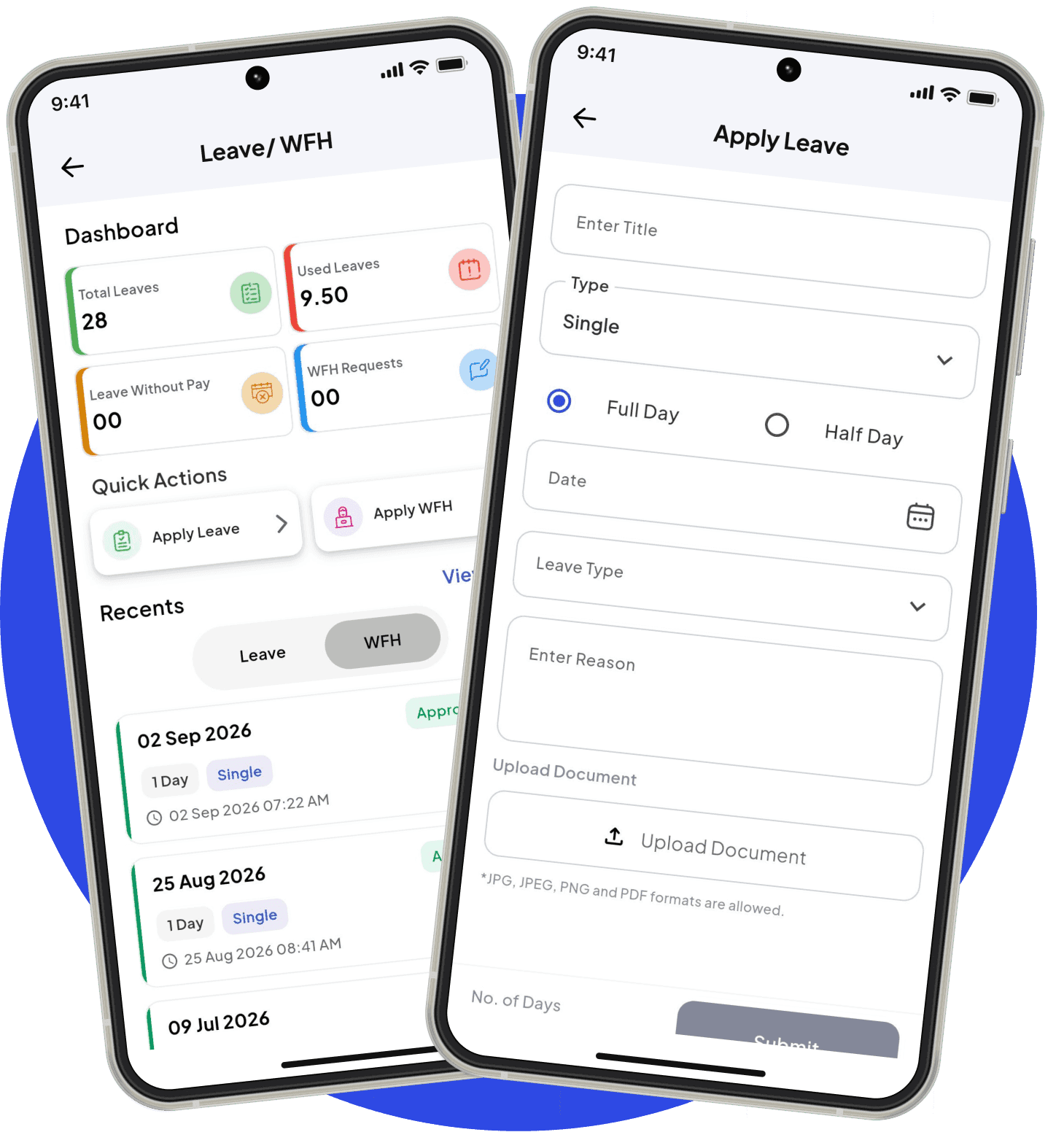
Frequently Asked Questions
The system supports all standard leave types including casual leave, sick leave, earned leave, maternity leave, and any custom leave type the business wants to define.
Yes. WFH requests go through the same approval workflow as leave and are logged against attendance records automatically.
Yes. Once a leave request is approved, the balance is updated instantly without any manual calculation.
Yes. Managers have access to a team leave calendar that shows who is on leave on any given day, helping with workload planning.
Yes. Rules for carryover, encashment, and lapse at year-end can all be configured within the system to match company policy.
Yes. Employees can view their available balance for each leave type at any time directly from the SuperManage mobile app.
The system cross-references the leave application against the holiday calendar and automatically excludes holidays from the leave count.